
How to Get the Ray-Ban Meta Tag on Instagram
The exclusive "Spin View" format is taking over Instagram. Here is the exact technical method to unlock the smart glasses tag and 3D panoramic effect on any photo.
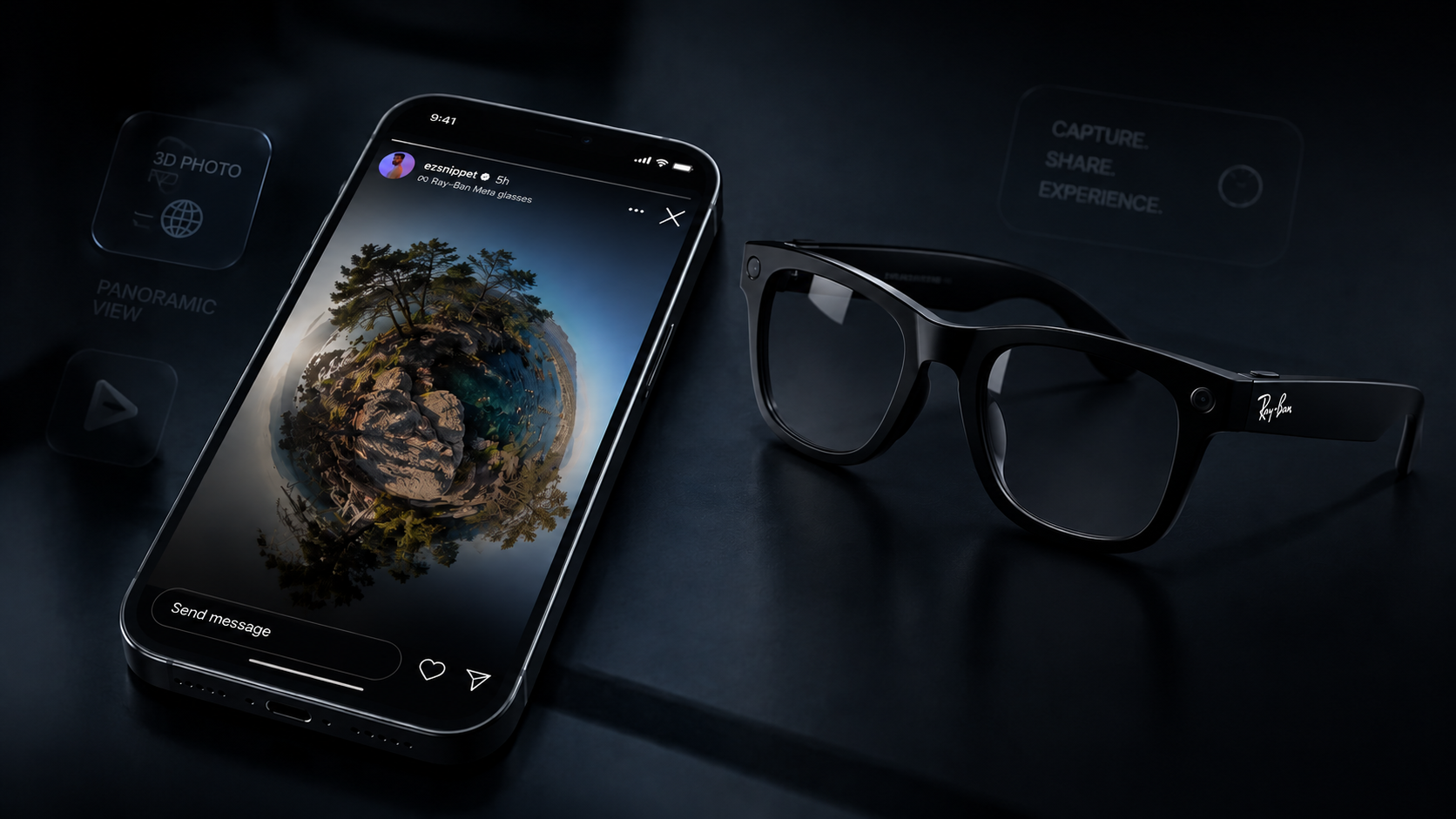
The Secret is in the Metadata
When you capture a photo with authentic Ray-Ban Meta smart glasses, the hardware quietly writes a digital signature into the file's EXIF data block. Instagram's servers scan this data upon upload. If it detects the correct signature, it grants your account access to exclusive creator tools, including the interactive 3D Spin View format.
Prepare Your Image
Instagram's Spin View works best with tall, panoramic-style crops. For the most authentic result, crop your source image to a 3:4 aspect ratio (the native resolution output of the Meta glasses sensors).
Inject the EXIF Signature
You cannot simply rename a file or use a basic photo editor to add this data. You need a specialized tool that injects the exact hex structure expected by Instagram's servers, including proprietary hardware verification signatures.
Use POVLY for Perfect Injection
POVLY was built specifically for this purpose. Unlike generic EXIF editors, POVLY reconstructs the complete metadata footprint of genuine smart glasses. Best of all, it processes everything locally in your browser—your photos never touch a server.
Share Directly to Instagram
Once POVLY processes your image, tap Share — not Download. Sending it straight into Instagram Stories keeps the metadata intact end to end. If you download the file and pick it from Recents instead, some gallery apps re-process the image on that import step and quietly strip the very tags Spin View depends on. Once it's in your Story, tap the new “Glasses” icon in the top menu to activate the 3D Spin View effect before posting.
Unlock Spin View Today
Stop trying to hack generic EXIF editors. Use POVLY's purpose-built browser engine to inject perfect, authentic Meta Glasses signatures into your photos in seconds.